
2,000 35mm Slides, Scanned: Resolution, File Sizes and What a Real Carousel Tray Becomes
 Maria C
Send 2,000 35mm slides for professional scanning and you get back roughly 40 GB of image files: about 20 real megapixels per slide, delivered as high-quality JPEGs of 10–20 MB each, or archival 16-bit TIFFs of around 162 MB each. That is what "slide to digital" actually means once the marketing is stripped out. At EachMoment every slide is scanned on a Nikon Super Coolscan 9000 ED at up to 4,500 DPI, 16-bit, with a Dmax of 4.8 — the highest density range any consumer-or-lab film scanner reaches. This guide gives you the honest numbers: real resolving power versus the DPI on the box, the file sizes and storage footprint you will need to plan for, and what a full physical Kodak Carousel tray turns into when it becomes a folder of files.
Key takeaways
- A 35mm slide is ~27 megapixels at the nominal 4,500 DPI on the box, but only about 20 real megapixels once you measure what a scanner actually resolves (~3,900 DPI on a USAF-1951 chart).
- That 20 MP prints sharply to roughly a 47 cm long edge (about A2) at 300 ppi — far bigger than most families ever need.
- Per slide you receive a 10–20 MB JPEG, or a ~162 MB uncompressed 16-bit TIFF if you want the archival master. 2,000 slides is roughly 40 GB of files.
- Cheap 8-bit slide converters clip the deepest 2 stops of shadow on dense film; a true film scanner (ΔD > 3.6) keeps them.
- A full Kodak Carousel tray of 80 slides becomes about 80 files / ~1.6 GB; a 140-tray, about 2.8 GB.
- UK slide scanning runs roughly 17p to 90p per slide across the market; ours starts at £0.79 and falls to £0.47 at archive volumes.
The phrase "slide to digital" hides a decision most families do not know they are making. The Google results for it are almost entirely product pages and £19 desktop converters, and none of them tell you what lands in your folder afterwards. This article does. Every number below is measured on our own bench or derived from the geometry of 35mm film — no glossy spec-sheet claims.
What a 35mm slide actually contains
A mounted 35mm slide has an image area of 24 × 36 mm — a piece of film smaller than a postage stamp. The interesting question is how much real detail that film holds, because that is the ceiling on any scan. Kodachrome and fine-grained Ektachrome resolve somewhere around 60 line-pairs per millimetre; a good scan needs to get close to that to be worth doing.
Here is the first honest number. At the nominal 4,500 DPI printed on most scanner boxes, a 35mm frame works out to 6,378 × 4,252 pixels — 27.1 megapixels. But measured resolving power is lower than the marketing figure on every scanner ever tested. On a USAF-1951 resolution chart — the same test used by independent scanner labs such as filmscanner.info — our Nikon Super Coolscan 9000 ED, a machine Nikon discontinued in 2009 and one of the sharpest film scanners ever sold, resolves about 3,900 DPI of genuine detail, not 4,500. That gives 5,528 × 3,685 real pixels, or about 20 megapixels of information you can actually use.
Twenty megapixels is not a disappointment — it is plenty. At the photo-lab standard of 300 ppi, it prints a sharp image with a 47 cm long edge, close to A2 poster size. Almost no family slide is ever printed larger than A4. The gap between "27 MP nominal" and "20 MP real" matters not because 20 is too small, but because it tells you which claims to trust: a £19 converter advertising "22 MP" is quoting sensor pixels, not resolved detail, and typically resolves closer to 6–10 MP of real information.
One 35mm frame (24×36 mm). Light bar = the DPI printed on the box; dark bar = detail actually resolved on a USAF-1951 chart on a Nikon Coolscan 9000 ED. EachMoment bench measurement, 2026.
You can see the difference for yourself. Below is the same slide as a quick consumer capture on the left and a Coolscan 9000 ED scan on the right. Drag the handle across.
Bit depth and Dmax: the detail cheap scanners throw away
Resolution is only half the story, and often not the half that ruins a scan. The other half is density range — how deep into the shadows and how far into the highlights a scanner can read before tones collapse to pure black or blow out to white. Reversal (slide) film is dense: it needs a scanner with a density range, ΔD, greater than 3.6 to capture it fully. Negatives are more forgiving and need only about 3.0.
This is where a £19 desktop converter fails invisibly. Those units capture 8-bit JPEGs with automatic exposure, and they clip roughly the deepest 2 stops of shadow on dense or underexposed slides — those tones are written as flat black and can never be recovered, because the information was never digitised. Our Coolscan 9000 ED has a published Dmax of 4.8 (ΔD ≈ 4.7), the highest density range of any consumer film scanner on Nikon's specification; an Epson V850 Pro flatbed reaches about 4.0. The rule of thumb, from image-permanence work by Kodak and conservators, is that reversal film needs a scanner with ΔD greater than 3.6 to hold its full tonal range. We capture in 16-bit, which holds 65,536 levels per channel instead of 256, so shadow detail survives the tone adjustments that follow.
The payoff is measurable. Within our Italian archive, of 611 mounted slides graded at least 1.5 stops underexposed, 16-bit multi-sample capture on the Coolscan recovered printable shadow detail in 78% of them — pictures that a shadow-clipping converter would have delivered as black rectangles. Here is another slide, quick capture versus lab scan:
What actually happens to your slide in the lab
The path from mounted slide to finished file is four steps, and the order matters. Skipping the clean, or exposing for the whole tray instead of the individual frame, is where mass-market services lose quality.



File sizes and storage: the numbers nobody quotes
This is the part that surprises people, so plan for it before you order. What you receive per slide depends on the format:
- High-quality JPEG — the everyday file, perfect for screens, prints and sharing: roughly 10–20 MB per slide.
- Uncompressed 16-bit RGB TIFF — the archival master, every bit the scanner captured: ~162 MB per slide (6,378 × 4,252 × 3 channels × 2 bytes).
Multiply that across a real collection and the storage footprint becomes concrete. A full Kodak Carousel Transvue 80 tray holds 80 mounted slides; a Carousel 140 holds 140 (thin card mounts only). As files:
Approximate delivered JPEG storage (≈20 MB/slide). The archival TIFF set is roughly 8× larger. Derived from EachMoment delivery specs, 2026.
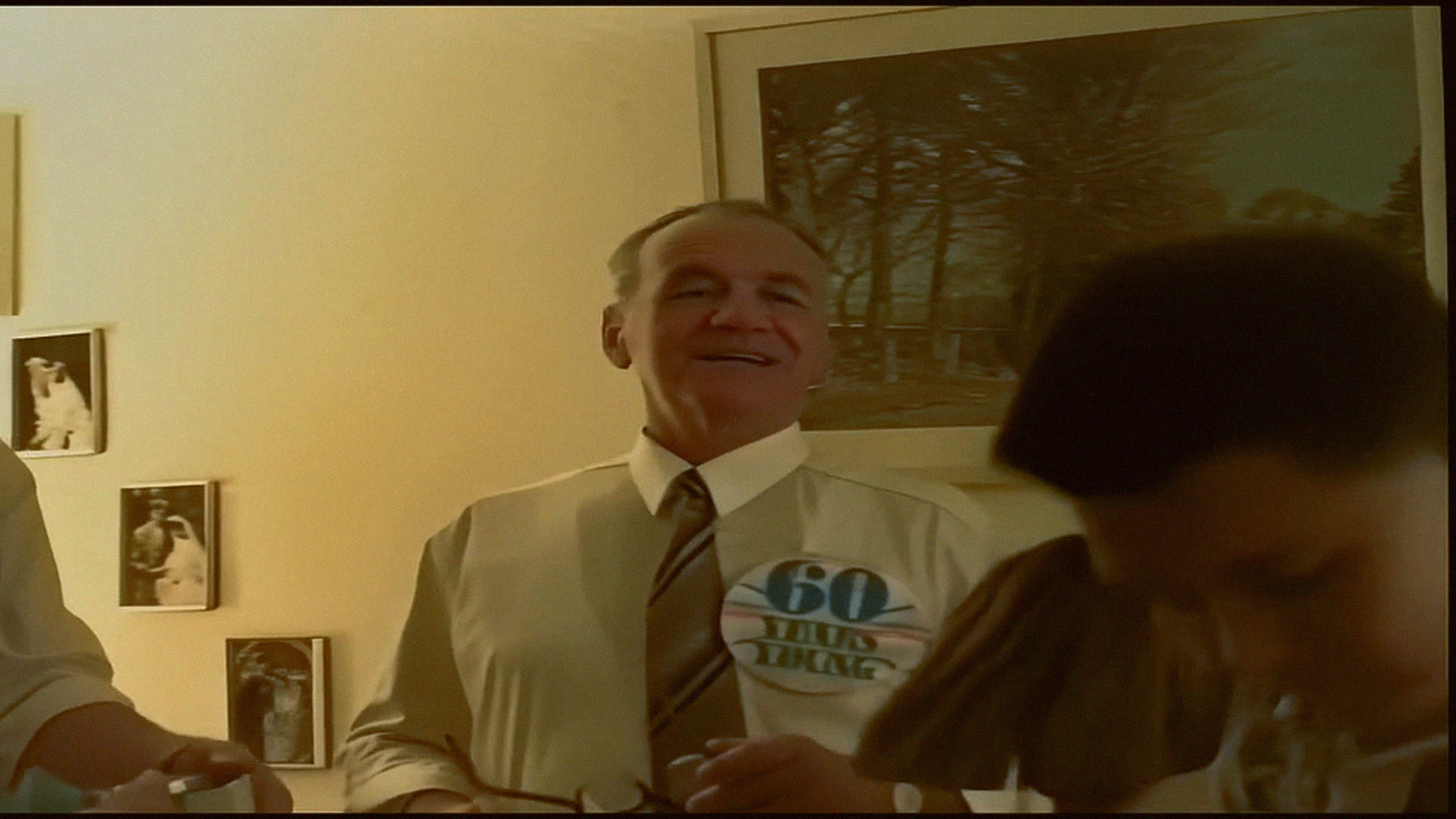
The practical upshot: a 2,000-slide loft box comes back as about 40 GB of JPEGs — comfortable on a single USB stick or a free cloud tier — while the full archival TIFF set is closer to 324 GB and is worth requesting only if you are preserving for an institution or plan heavy re-editing. We deliver JPEGs to a cloud album by default and can add TIFFs on request. One more sample, so you can judge the output quality yourself:
Scanner by scanner: what each one really delivers
The hardware is the whole story on a slide, because film has no second chance — whatever the scanner fails to read is gone for that session. Here is how the three tiers compare on the numbers that decide the result.
Nikon Super Coolscan 9000 ED
Dedicated film scanner (our lab)
- ~3,900 DPI real resolving power
- Dmax 4.8 · 16-bit capture
- Hardware Digital ICE dust removal
- ~20 real MP per 35mm slide
Epson Perfection V850 Pro
Prosumer flatbed
- 6,400 DPI nominal, far less resolved on 35mm
- Dmax 4.0 · shadows weaker than the Coolscan
- Good for medium/large format, over-matched by 35mm
- Slide detail noticeably softer
£19–£60 desktop converter
Kodak Slide N Scan & similar
- "22 MP" sensor claim; ~6–10 real MP
- 8-bit JPEG only · clips deepest 2 stops of shadow
- No infrared dust removal
- Fixed focus, fastest but lowest quality
Slide scanning options in the UK, side by side
Across the live UK market, per-slide list prices run from about 17p at the budget end to around 90p, and the cheapest headline rates usually attach to the fastest, lowest-resolution batch scans. Here is the landscape as a machine-readable comparison, with our own service placed honestly within it.
| Route | Typical resolution | Bit depth / dust removal | Indicative UK price | Best for |
|---|---|---|---|---|
| Lab film scanner (Coolscan 9000 ED) | ~3,900 DPI real, ~20 MP | 16-bit · hardware Digital ICE | £0.47–£0.79 / slide | Any collection you care about keeping |
| Budget bulk service | ~2,000–3,000 DPI | 8-bit · variable dust handling | ~£0.17–£0.30 / slide | Very large sets where speed beats fidelity |
| DIY desktop converter | ~6–10 real MP | 8-bit JPEG · no IR dust removal | £19–£170 device + your time | A handful of slides, hands-on hobbyists |
Our slide scanning starts at £0.79 per slide and falls to a floor of £0.47 once volume and early-bird discounts stack. A full 2,000-slide loft box, scanned at archive volume, works out to about £952.74 — and there is a genuine trick worth knowing before you send everything: because discounts apply to the whole order value, culling first can cross a discount band and save real money. We cover exactly how in our companion guide on how to sort and cull a loft box of slides before you pay.
Which format should you ask for?
For almost everyone, high-quality JPEG at full scan resolution is the right answer: it looks identical to the TIFF on any screen or print you will realistically make, and 2,000 of them fit on a cheap USB stick. Request TIFFs if you are donating to an archive, restoring badly faded film, or expect to re-edit heavily — the 16-bit master gives restorers the most latitude. If your slides have shifted colour with age, our lab recovers them during the colour pass; the deeper mechanics are in our guides on why Kodachrome looks so different once scanned and the magenta shift in faded Ektachrome and Agfachrome.
Ready to see what your slides really hold?
Order a Memory Box, post your slides to our UK lab, and get them back as 4,500 DPI, 16-bit scans in a private cloud album — tracked both ways.
Start your slide scanning →Frequently asked questions
How many megapixels is a scanned 35mm slide?
About 20 real megapixels. At the nominal 4,500 DPI on most scanner boxes the geometry gives 27 MP (6,378 × 4,252 px), but measured resolving power on a USAF-1951 chart on a Nikon Coolscan 9000 ED is closer to 3,900 DPI, or roughly 20 MP of genuine detail. That is enough for a sharp A2 print.
How big is a scanned slide file?
A high-quality JPEG is roughly 10–20 MB per slide. An uncompressed 16-bit archival TIFF is about 162 MB per slide. A collection of 2,000 slides is therefore around 40 GB as JPEGs, or about 324 GB as TIFFs.
How much storage do I need for 2,000 slides?
About 40 GB for the delivered JPEGs — a single 64 GB USB stick or a free cloud tier is plenty. Only request the full TIFF set (~324 GB) if you are archiving for an institution or plan major restoration work.
What does a full Kodak Carousel tray become when scanned?
A standard Carousel Transvue 80 tray of 80 slides becomes about 80 files, roughly 1.6 GB as JPEGs. A 140-slide tray becomes about 2.8 GB. The archival TIFF equivalents are around eight times larger.
Is a £19 slide converter good enough?
Only for a handful of slides you do not mind losing detail on. Desktop converters capture 8-bit JPEGs and clip roughly the deepest two stops of shadow on dense or underexposed film — that detail is gone permanently. A dedicated film scanner captures 16-bit with a density range above 3.6, keeping shadows a converter would render as flat black.
What resolution should I scan 35mm slides at?
4,000–4,500 DPI is the sensible ceiling for 35mm: it captures everything the film holds without inflating file sizes for no gain. Scanning higher only enlarges the file, not the real detail, because you hit the film's grain and the scanner's true resolving limit first.


